Link in Bio Analytics: How to Track Clicks, Short Links and QR Codes (and What to Do with the Data)
Learn which link in bio metrics matter and how to track clicks from Instagram, TikTok, email and print with short links, UTM tags and QR codes.

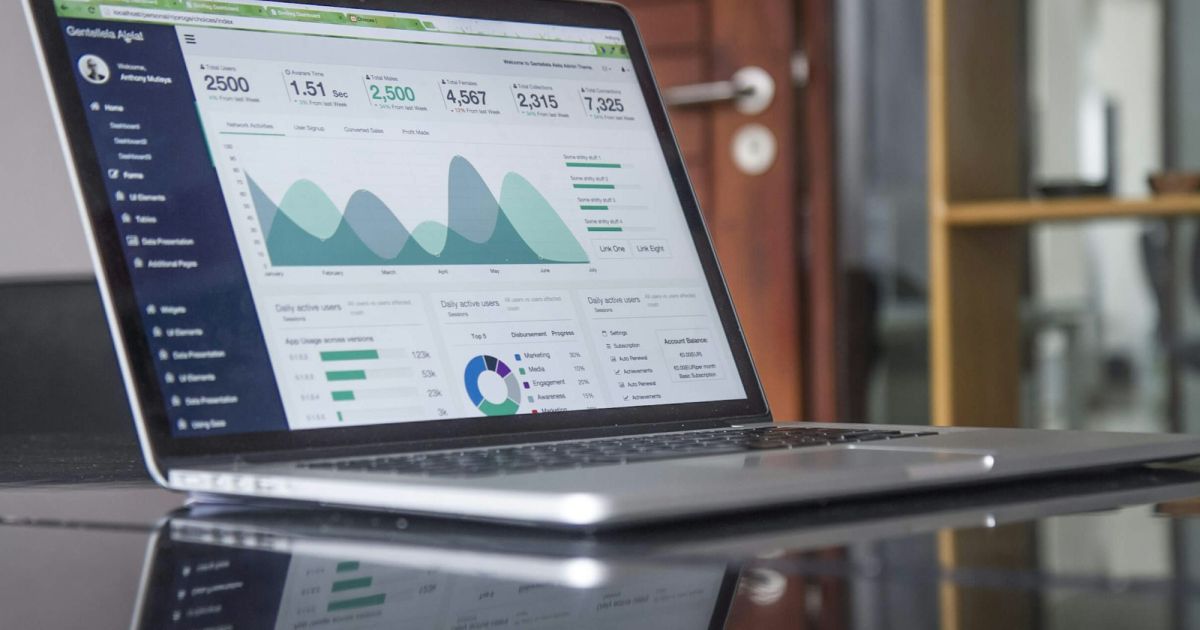
Link in bio analytics show you how many people open your page, which buttons they click, and where they come from – by social network, country and device. With that data you stop guessing: you know which posts actually send visitors, which offers people want and which links you can safely remove. Add short links and QR codes to the mix, and you can measure every place you share your content, online and offline.
This guide covers the metrics that matter, how to set up tracking for every channel and a simple monthly routine to turn numbers into decisions.
Key takeaways
- Track three things first: page visits, clicks per button and top referrers (where visitors come from).
- Use a separate short link or QR code for every place you share, so each one has its own numbers.
- Dynamic QR codes let you measure scans and change the destination after printing.
- Review once a month: promote what works, rewrite what is ignored, remove what is dead.
Why track your link in bio at all?
Your link in bio is often the busiest link you own: it sits in every profile and every "link in bio" call to action. Without numbers, you cannot tell whether Instagram or TikTok brings more people, whether anyone clicks your new offer or whether the booking button is even seen. Analytics answer those questions with data instead of impressions – and they help you show results to clients and brand partners.
Which link in bio metrics actually matter?
| Metric | What it tells you | What to do with it |
|---|---|---|
| Visits (clicks on the page) | How many times your page was opened. | Compare weeks: did your latest posts send more people? |
| Unique visitors | How many different people came, not just visits. | A better measure of real reach than total visits. |
| Clicks per button | Which links people actually choose. | Move winners to the top, rewrite or remove the rest. |
| Click-through rate | Button clicks divided by page visits. | A low rate means the page does not give a clear next step. |
| Referrers | Which apps and sites sent the visit (Instagram, TikTok, email…). | Invest more in the channels that send people who click. |
| Countries and cities | Where your audience is. | Adapt language, currency, posting times and local offers. |
| Devices, systems, browsers | How people view your page. | Check the page on the devices your visitors use most. |
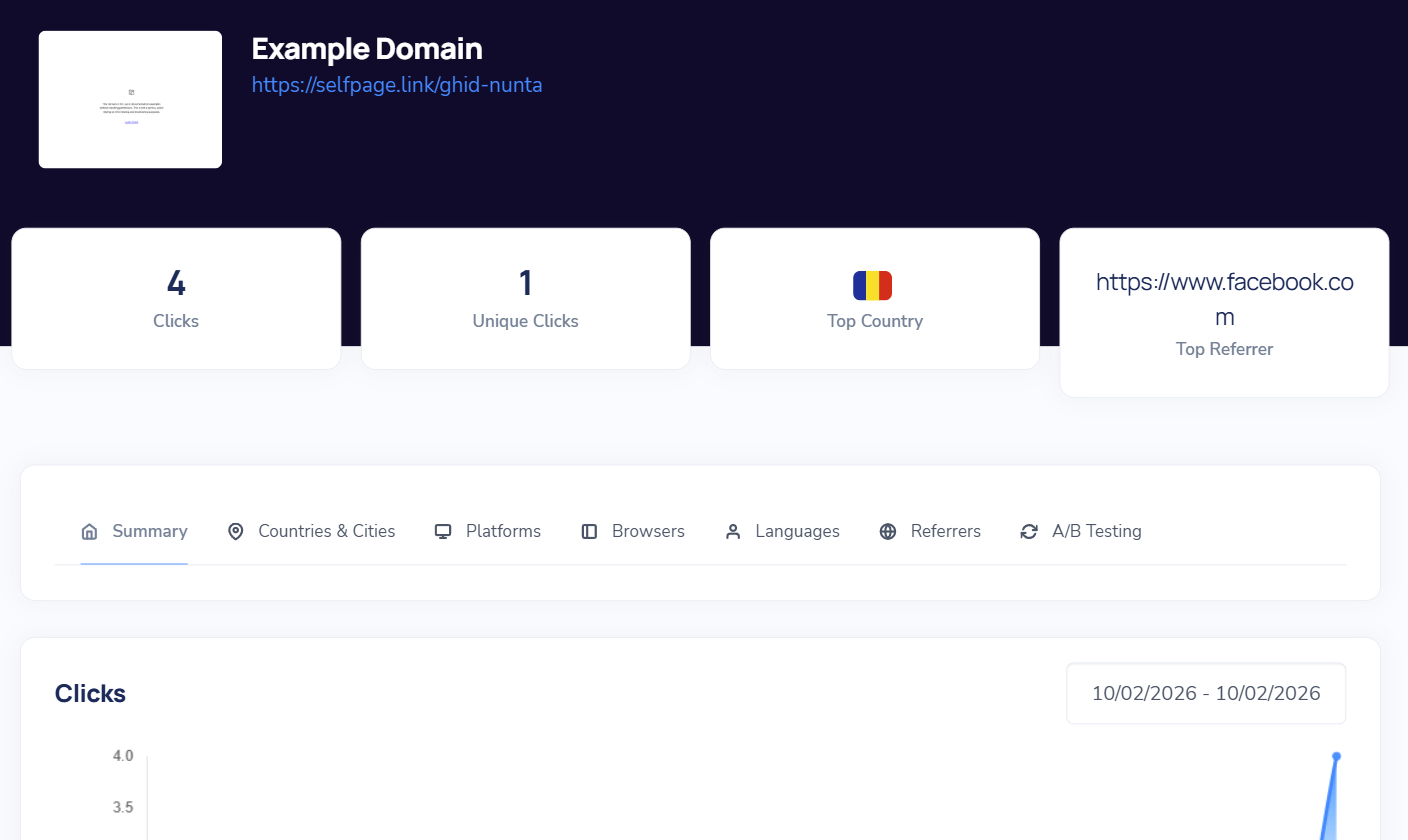
On Selfpage, every bio page, short link and dynamic QR code has its own statistics page with clicks, unique clicks, top country and top referrer, plus detailed tabs for countries and cities, platforms, browsers, languages and referrers. See How do I see a link's statistics?
Track every channel with short links
Referrer data is useful, but it has limits: some apps hide where a visit came from, and you cannot tell two Instagram posts apart. The fix is simple – give every channel its own short link that points to the same page:
selfpage.link/anna-igin your Instagram profileselfpage.link/anna-ttin your TikTok profileselfpage.link/anna-mailin your email signature and newsletterselfpage.link/anna-ytin your YouTube video descriptions
Each short link counts its own clicks, so you see at a glance which channel performs best. Short links with a custom alias are also easier to say out loud in a video or podcast, and they look cleaner in a caption than a long address. See How do I shorten a link? and how to choose a custom alias.
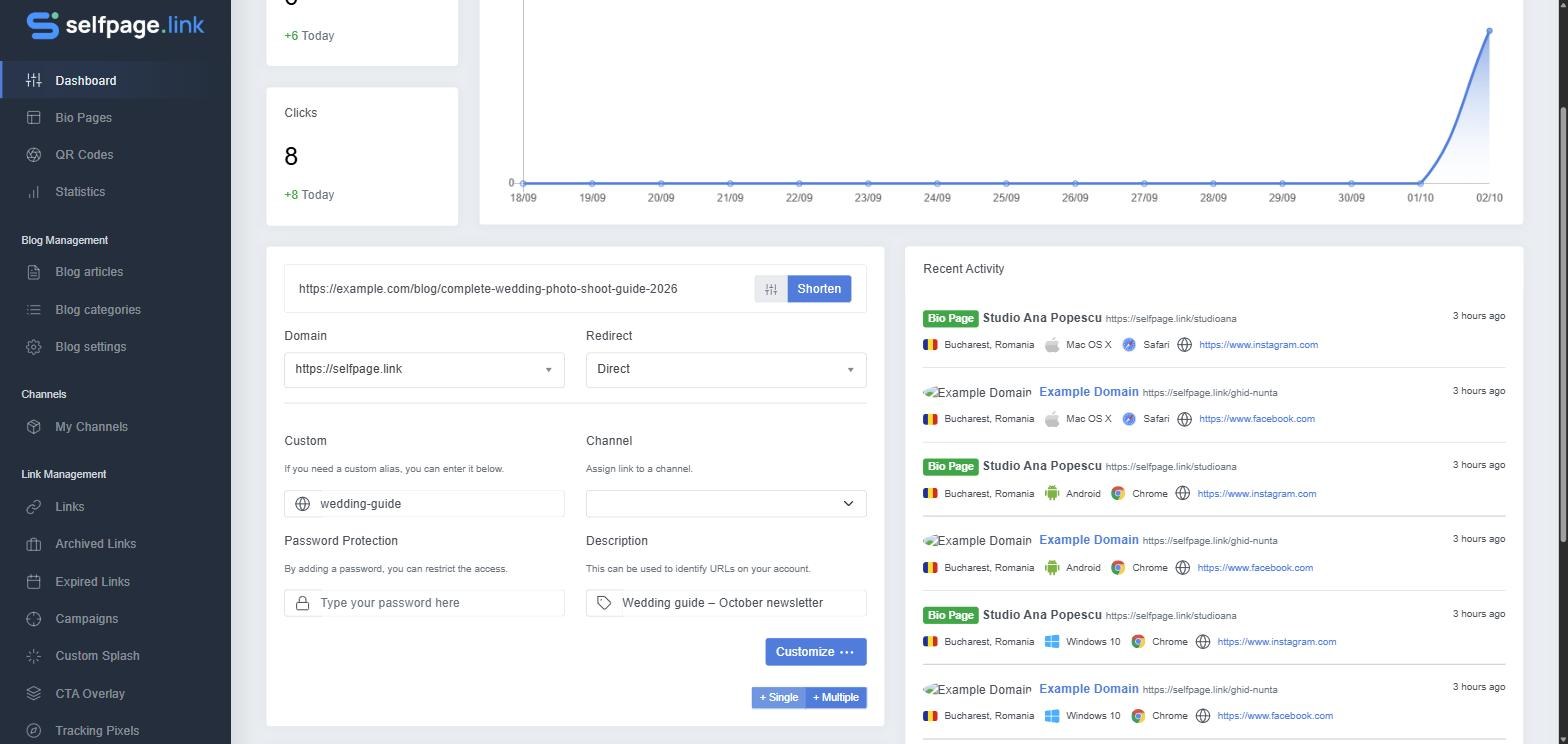
Tip: on Selfpage you can see any short link's statistics by adding a
+to the end of it, for exampleselfpage.link/anna-ig+.
Add UTM parameters for Google Analytics
If you also use Google Analytics on your shop or website, add UTM parameters to your short links. They tag each visit with a source, medium and campaign – for example utm_source=instagram, utm_medium=bio, utm_campaign=autumn-sale – so your sales reports show exactly which post or channel led to a purchase. On Selfpage the Parameter Builder adds them at the moment of the redirect, so the short link itself stays clean. See How do I add UTM parameters to a link?
Measure offline traffic with QR codes
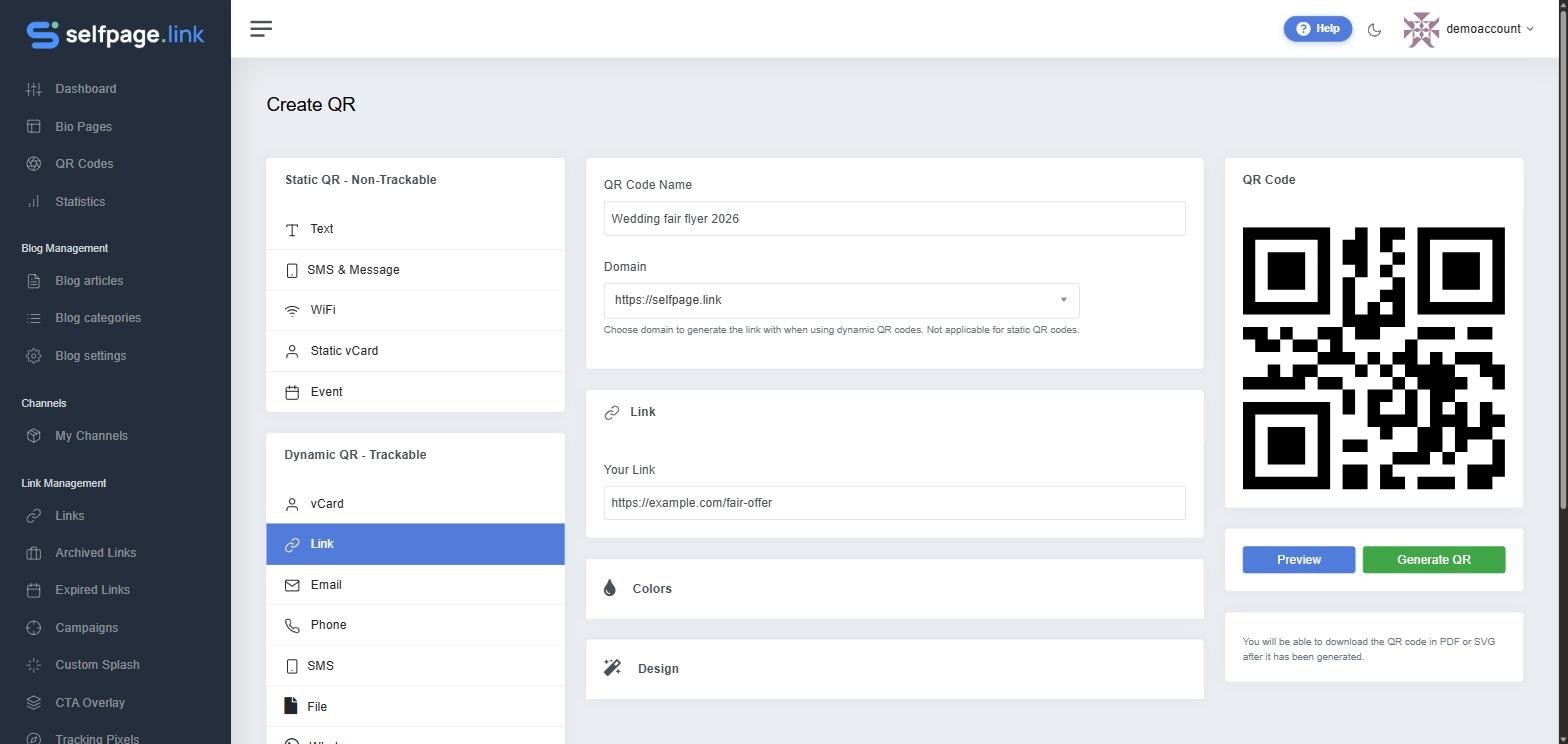
Flyers, business cards, packaging, menus and posters can send people to your page too – and with a dynamic QR code, those scans are measured like any other click. A dynamic code points to a short link, which means you can:
- see how many people scanned it, from which countries and devices;
- change where it leads after printing – no reprint needed when your offer changes;
- use a different code for each flyer, shop or event and compare them.
Static QR codes, by contrast, store the destination directly and cannot be measured or changed. For anything printed, choose dynamic. See static vs. dynamic QR codes and How do I create a QR code?
Go further: retargeting pixels
Analytics tell you what happened; tracking pixels let you act on it. By adding a Facebook, Google or TikTok pixel to your bio page and short links, you can show ads later to people who already visited – usually your warmest audience. Make sure your cookie notice and privacy policy cover it. See How do I add a tracking pixel?
A simple monthly routine
- Check your top referrers. Which networks sent the most visitors – and which sent visitors who clicked?
- Rank your buttons by clicks. Move the top two to the top of the page.
- Fix or remove the bottom ones. Rewrite the label as a clear action, or delete the button if nobody needs it.
- Compare your channel links and QR codes. Put more effort into the channels that work.
- Look at countries and devices. Are you writing in the right language? Does the page work well on the phones your visitors use?
- Write down one change and check next month whether it helped.
Want visitors to find you outside social media too? A blog adds search traffic you can measure the same way – read why your link in bio needs a blog.
Frequently asked questions
Can I see who clicked my link in bio?
Analytics are anonymous: you see how many people clicked and aggregate details such as country, device, browser and referrer, not personal identities. To get in touch with visitors, give them a reason to leave their email through a newsletter or contact form.
Why does Instagram traffic sometimes show as "direct"?
Some apps open links in their own in-app browser and do not pass on where the visit came from. That is exactly why a separate short link per channel is more reliable than referrer data alone.
What is a good click-through rate for a link in bio page?
It depends on your audience and offer, so the most useful benchmark is your own: track your rate month by month and aim to improve it with clearer buttons and fewer choices.
Do QR code scans count as clicks?
Scans of a dynamic QR code are recorded as visits to the short link behind it, so they appear in its statistics alongside country and device data. Static QR codes cannot be tracked.
Can I share my statistics with a client or brand partner?
Yes. On Selfpage you can make a link's statistics public or export them, which makes it easy to report results to a client. See public link statistics and exporting statistics.
Measure, adjust, repeat
Good link in bio analytics are not about staring at charts. They are about a few clear numbers – visits, clicks per button, referrers – and one small improvement every month. Set up a short link for each channel, use dynamic QR codes for print, and let the data tell you what your audience wants. If you are just getting started, read what a link in bio is and how to build one.