Why Your Link in Bio Needs a Blog: Turn Followers into an Audience You Own
Social posts fade in days; blog articles get found on Google and cited by AI assistants for years. Why your link in bio needs a blog, and how to start one.

A blog gives your link in bio something social media cannot: content that you own, that stays online for years and that people can find through Google and AI assistants without ever seeing one of your posts. Your social profiles bring attention for a few days at a time. A blog turns that attention into a library of answers that keeps working while you sleep – and your link in bio page becomes the front door to it.
In this article we look at why creators, freelancers and small businesses benefit from a blog, what to write about, and how to start one without building a separate website.
Key takeaways
- Social posts are rented reach; a blog is an asset you own on your own address.
- Articles that answer real questions get found by search engines and quoted by AI assistants like ChatGPT, Gemini and Perplexity.
- A blog builds trust before the first message – clients arrive already knowing how you work.
- You do not need a website: on Selfpage the blog lives right next to your bio page.
Social media is rented land
Every platform decides who sees your posts, and those rules change often. A post that does well today is buried in the feed within days, and your profile can be limited, hacked or closed without much warning. Followers are valuable, but they are not really yours – you reach them only as long as the platform lets you.
A blog works the other way around:
- It is permanent. An article you publish today can still bring visitors in two years.
- It is searchable. People find it by typing a question, not by scrolling at the right moment.
- It is yours. It lives on your address – ideally on your own domain – and nobody else decides who sees it.
That does not mean you should leave social media. It means using social media to bring people to something you own: your link in bio page, your blog and your email list.
How a blog helps you get found on Google
A link in bio page is short by design. That is great for visitors, but it gives search engines little to work with: it can rank for your name, rarely for anything else. Every blog article is a new page that can rank for a new question your clients are asking.
A few examples of searches a single article can capture:
| You are a… | An article that brings the right visitors |
|---|---|
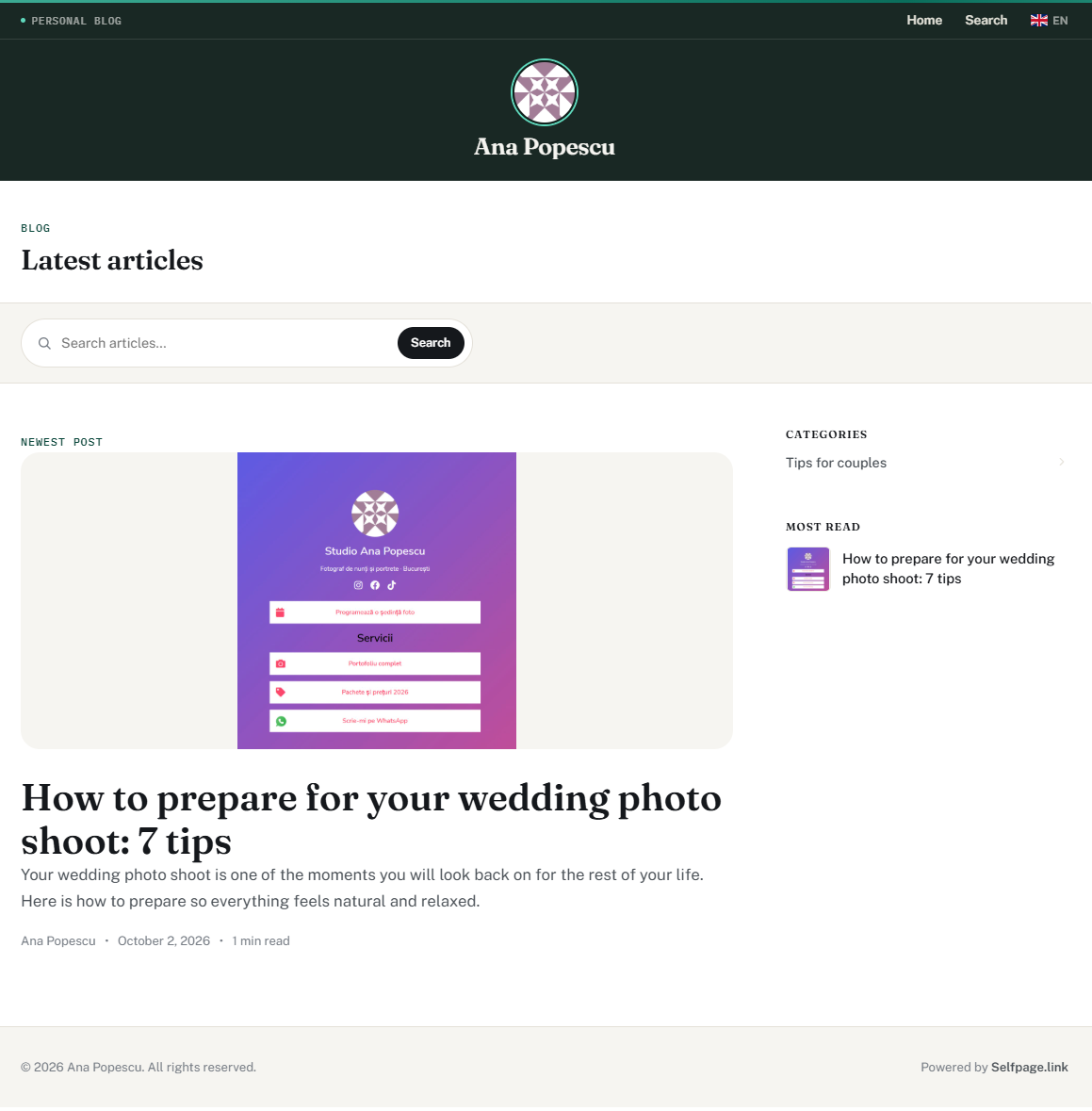
| Wedding photographer | "How many hours of wedding photography do you really need?" |
| Personal trainer | "A 20-minute home workout for beginners, with no equipment" |
| Makeup artist | "How to make bridal makeup last all day in summer" |
| Freelance designer | "What a logo design brief should include (free template)" |
| Local restaurant | "Our 5 most-ordered dishes and the story behind them" |
Each of these answers a real question, shows your expertise and ends naturally with your offer. On Selfpage every article has its own Meta Title and Meta Description, a featured image and a clean address such as yourdomain.com/blog/article-title, which are exactly the basics search engines look for. See How do I write and publish a blog article?
How a blog helps you get recommended by AI assistants
More and more people ask ChatGPT, Gemini, Copilot or Perplexity instead of searching. These assistants build their answers from pages they can read on the web, and many of them show their sources. This is often called generative engine optimization (GEO): making your content easy for AI tools to understand, trust and cite.
A link in bio page alone is hard for an AI assistant to quote – it is mostly buttons. A blog article is exactly what they need. To give your articles the best chance:
- Answer the question in the first two sentences. Then explain the details. AI assistants tend to quote clear, self-contained definitions and answers.
- Use the question as a heading. "How much does a wedding photographer cost in London?" is easier to match than "Pricing".
- Be specific. Real numbers, steps, examples and your own experience beat generic advice.
- Say who you are. Your name, your location and what you do should be clear on the page and on your author profile.
- Add a short FAQ at the end of an article with the follow-up questions clients actually ask you.
- Keep articles up to date. Refresh prices, dates and screenshots when they change.
A blog builds trust before the first message
When someone is about to book you, pay you or recommend you, they look for proof. A few well-written articles do more than any "About me" text: they show how you think, how you work and what clients can expect. Many clients will read two or three articles before writing to you – and arrive already convinced, with better questions and fewer doubts about price.
A blog also makes your social content easier to create. One article can become a carousel, three short videos, a newsletter and a week of stories. You do the thinking once and share it many times, always pointing back to the full version through your link in bio.
What should you write about?
Start with the questions you already answer in DMs and emails. If three people asked it this month, many more searched for it. Good starting formats:
- Frequently asked questions – one article per big question (prices, process, timing, preparation).
- How-to guides – step-by-step help related to your work.
- Case studies and projects – the problem, what you did and the result, with photos.
- Comparisons – "X vs. Y: which is right for you?" are some of the most searched questions in every industry.
- Behind the scenes – your tools, your process, a day at work. Great for trust, and easy to write.
- Local guides – if you work in one city, "best places for…" articles attract nearby clients.
How to start a blog without building a website
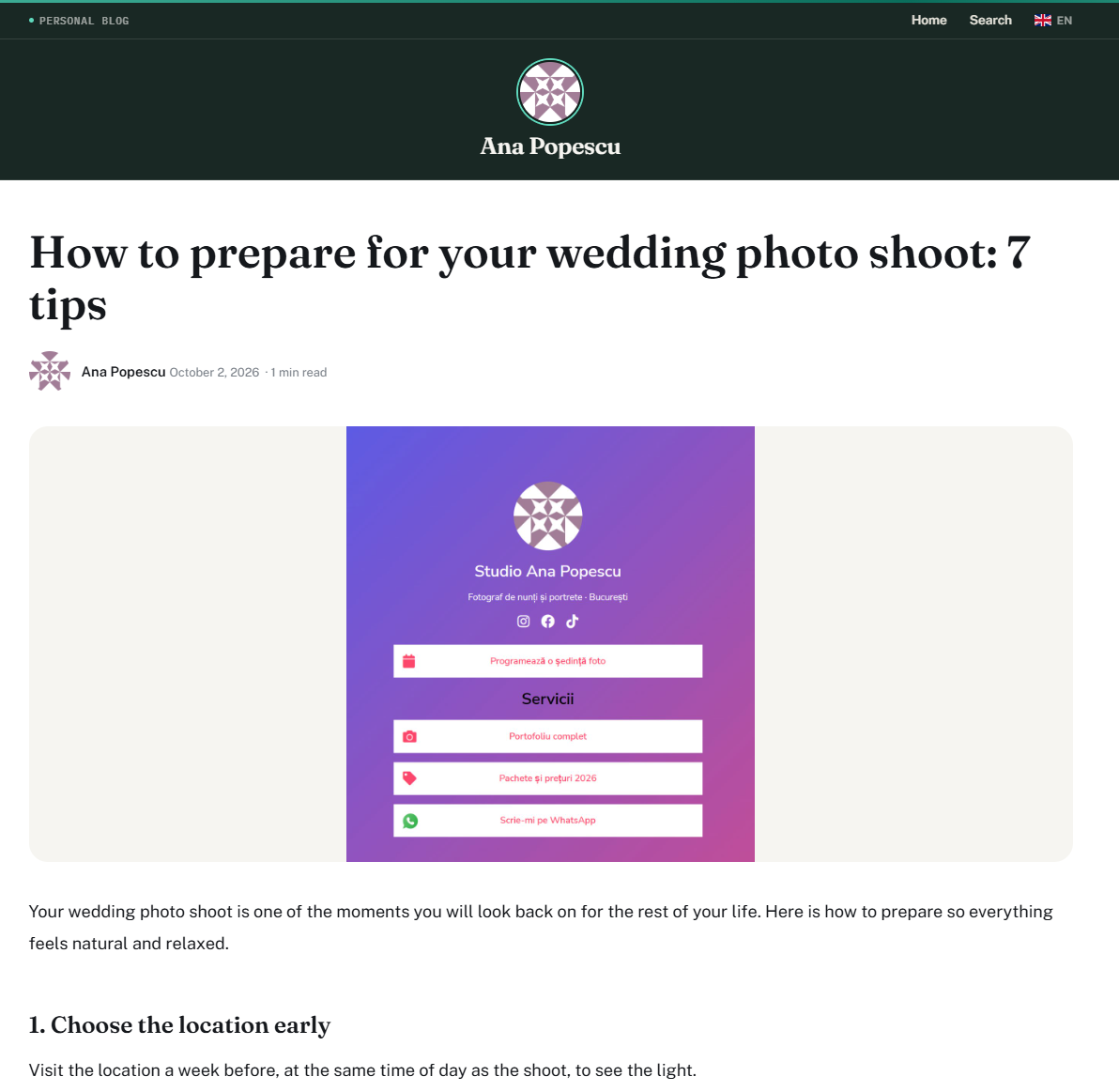
You do not need hosting, a theme or a developer. If your Selfpage plan includes the Personal Blog feature, your blog lives next to your bio page – at selfpage.link/your-page/blog, or at yourdomain.com/blog if you have connected your own domain.
- Set your default bio page – the blog is tied to its address.
- Fill in the blog settings: your author name and a short description of who you are.
- Create two or three categories that match your main topics.
- Write your first article: a clear title, an answer in the first paragraph, short sections with headings, a featured image and the SEO fields.
- Add a "Read the blog" button to your bio page and share each new article on your social profiles.
The full walkthrough is in What is the personal blog and how do I get started?
How often should you publish?
Consistency beats volume. One genuinely useful article a month, kept up for a year, gives you twelve pages working for you in search and in AI answers. If you can do one every two weeks, even better. Spend more time on fewer articles: a detailed answer to a real question will outperform five short, generic posts.
Frequently asked questions
Do I need a blog if I already have a link in bio?
You do not need one to get started, but a blog is what lets people find you without first seeing your social posts. The link in bio page converts visitors; the blog brings new ones through search and AI assistants.
Can a short blog article rank on Google?
Length is not the goal – answering the question fully is. A focused 600-word article that clearly answers one question can do better than a long article that wanders.
Should my blog be on my own domain?
If you can, yes. Articles on yourdomain.com/blog build authority for your own brand, and you keep that value even if you ever change tools. See How do I connect my own domain?
How do I get my first readers?
Share every article through your link in bio, in your stories and in your newsletter, and link to it whenever you answer that question in a message. Search traffic usually grows over the following weeks and months.
What is GEO (generative engine optimization)?
GEO is the practice of writing content that AI assistants can easily understand and cite in their answers: clear direct answers, question-style headings, specific facts and a clearly identified author. It builds on good SEO rather than replacing it.
Your link in bio gets them in, your blog keeps them
Social media brings attention; a blog turns it into trust and search visibility that lasts. Put the two together on one address and every post, every article and every share starts working for the same goal: growing an audience you actually own.
New to link in bio pages? Start with our complete link in bio guide.