
With targeting, the same short link sends visitors to different pages: for example, iPhone users go to the App Store and Android users to Google Play.
How to add a rule
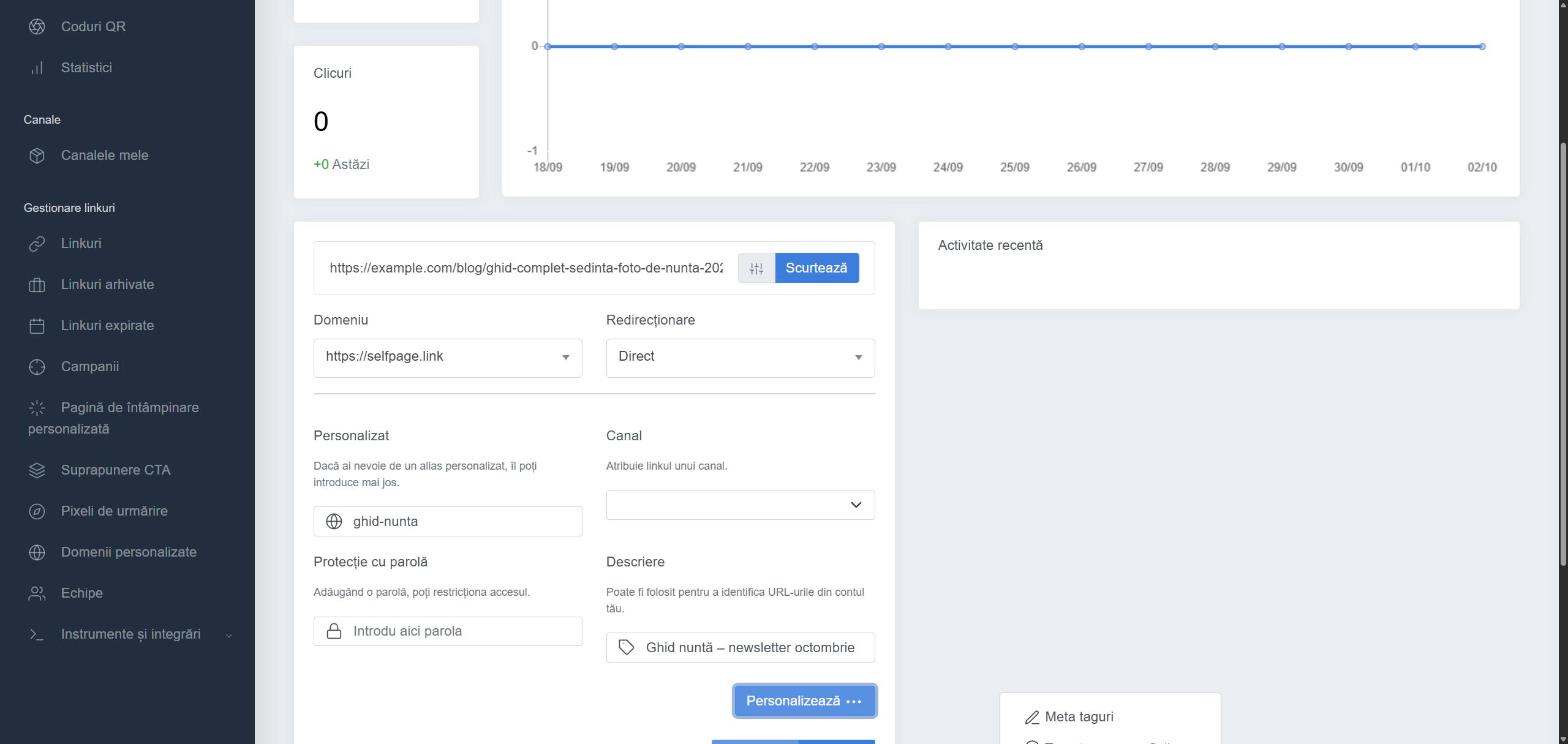
- Open the link for editing (⋯ → Edit) or, when creating it, click Customize ⋯ and choose the targeting type.
- In the section you want, click + Add.
- Choose the condition and enter the address you want those visitors redirected to.
- Repeat for each rule, then save the link.
Targeting types
- Geotargeting – choose the country and, optionally, the region/state (or All regions). Example: visitors from Germany go to the German version of your website.
- Device Targeting – Windows, Mac OS, Linux, Ubuntu, iPhone, iPad, Android, BlackBerry or another mobile device.
- Language Targeting – based on the language set in the visitor's browser.
Visitors who don't match any rule go to the link's main address.
Good to know: targeting rules take priority over the A/B rotator. If a rule matches, the rotator no longer applies to that visitor. See A/B testing and rotator