
Under Blog Management → Blog settings you decide how your blog presents itself.
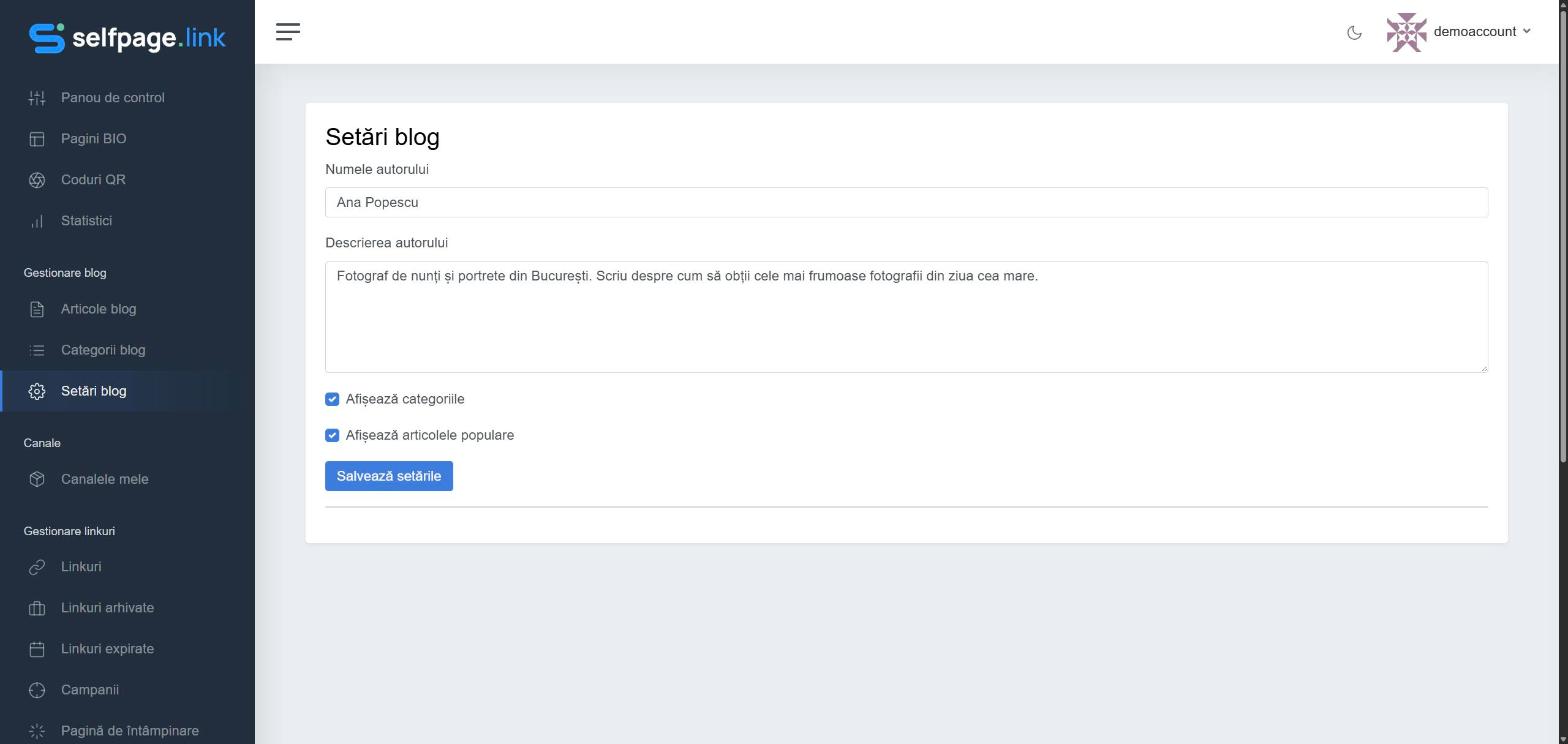
- Author Name – your name or your brand's. It appears in the blog header, as the author of every article, in the Written by box below articles, in the footer (© 2026 Ana Popescu) and in page titles (for example Blog – Ana Popescu), meaning in the browser tab, in Google and when the blog is shared. If you leave it empty, your account name is used.
- Author Description – a few lines about you, shown in the Written by box at the end of each article.
- Show categories – shows the Categories list in the sidebar, so visitors can filter articles.
- Show top posts – shows the Most read section in the sidebar.
Click Save Settings. You'll see the message Settings saved successfully.
Good to know: until you've saved the settings for the first time, the blog shows both the categories and the popular posts by default. After the first save, exactly the options you've ticked apply.