
You can move to a higher or lower plan at any time. Plans are paid monthly, yearly (at a discount) or, where available, once for lifetime access.
Change your plan
- Click your name in the top right and choose Billing, then Change plan (or open the Pricing page directly).
- Choose the period: Monthly, Yearly or Lifetime.
- On the plan you want, click Upgrade or Downgrade. Your current plan is marked Current plan.
- On the Checkout page, choose the payment method and fill in your billing details.
- Optionally, click Apply promo code if you have a discount code.
- Check the order summary and click Checkout. Card payments are made securely on the payment processor's page (Stripe).
Your new plan becomes active right after the payment is confirmed.
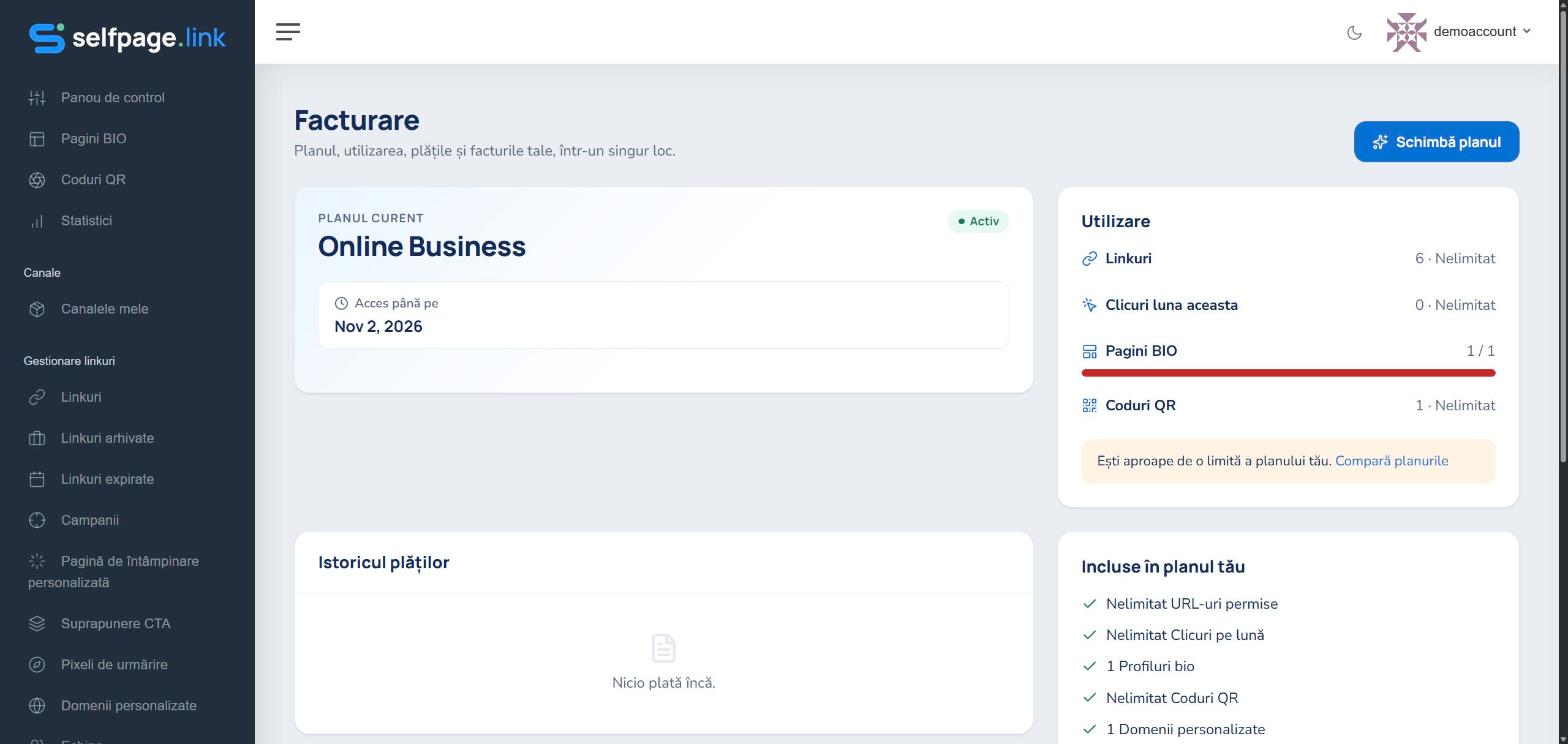
Compare plans: on the Pricing page, the Compare plans section shows all the features side by side: number of bio pages, links, QR codes, domains, how long statistics are kept, teams, blog and more.
Downgrading? Check the limits of the new plan first. If you have more items than the new plan allows, you won't be able to create new ones until you reduce their number. See plan limits